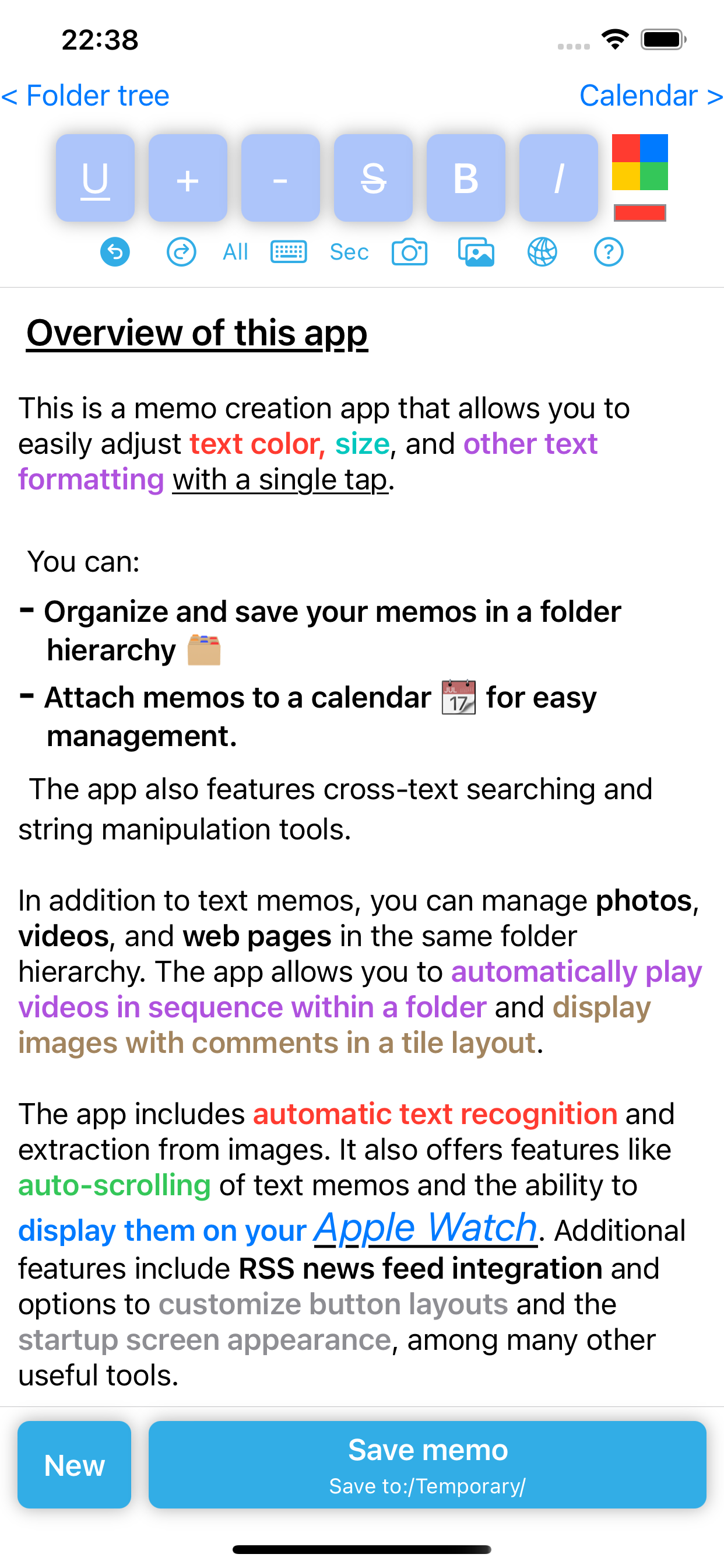
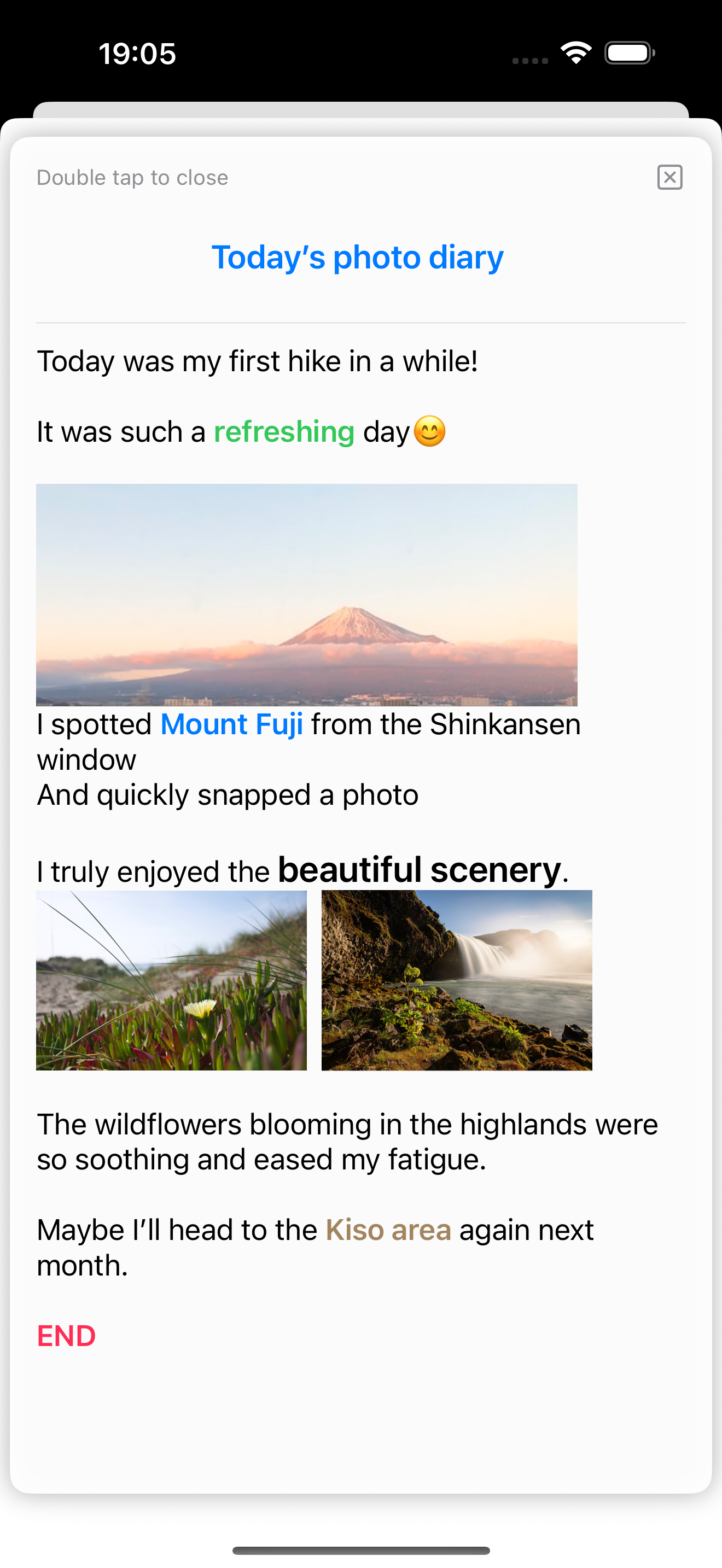
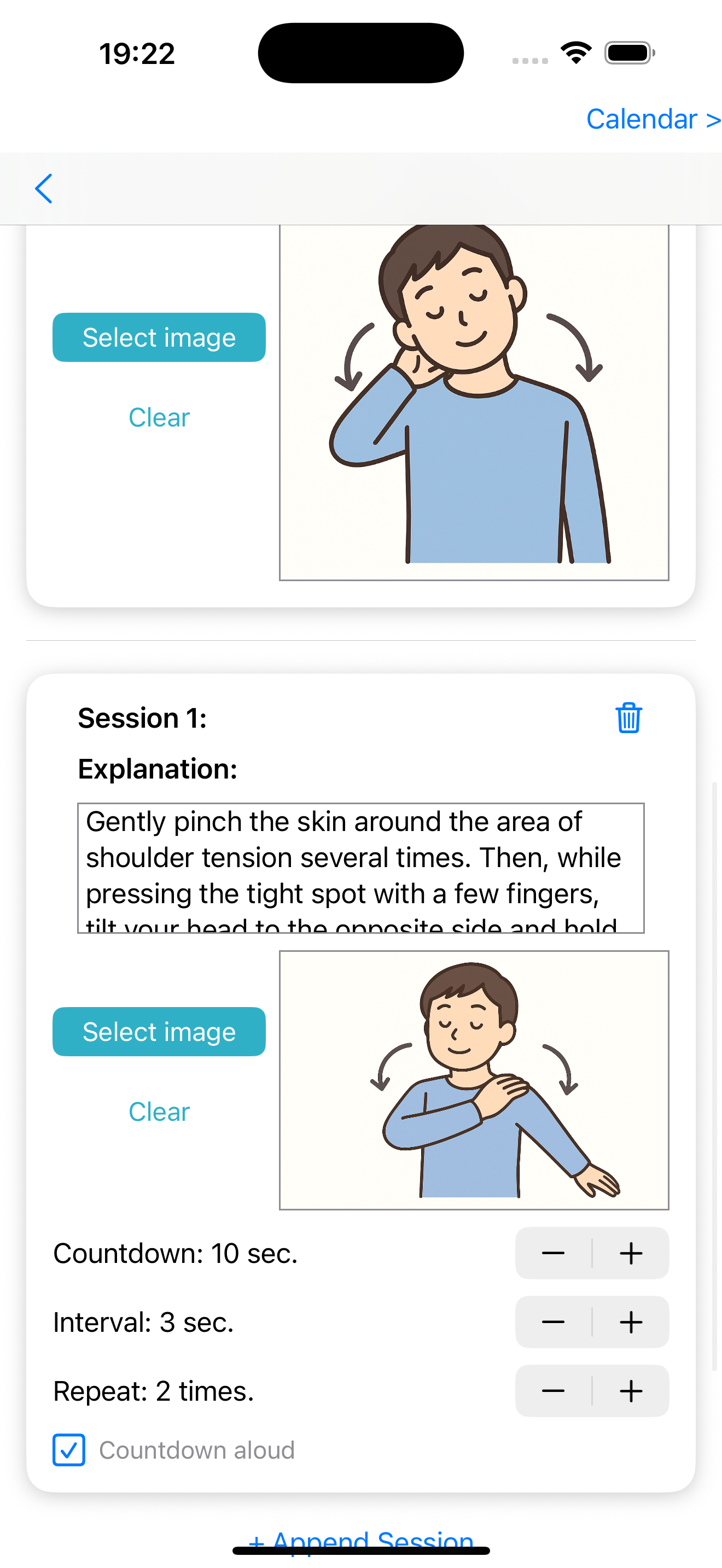
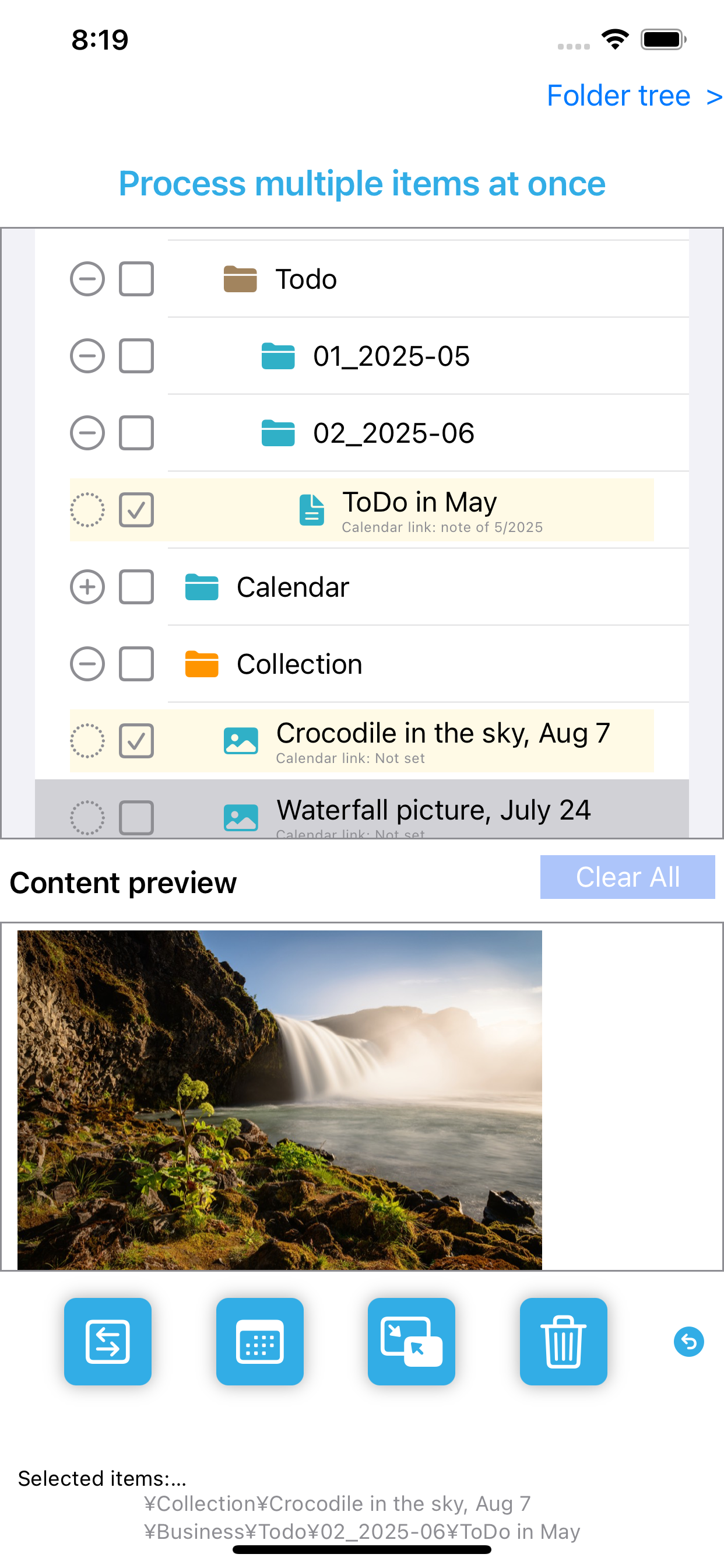
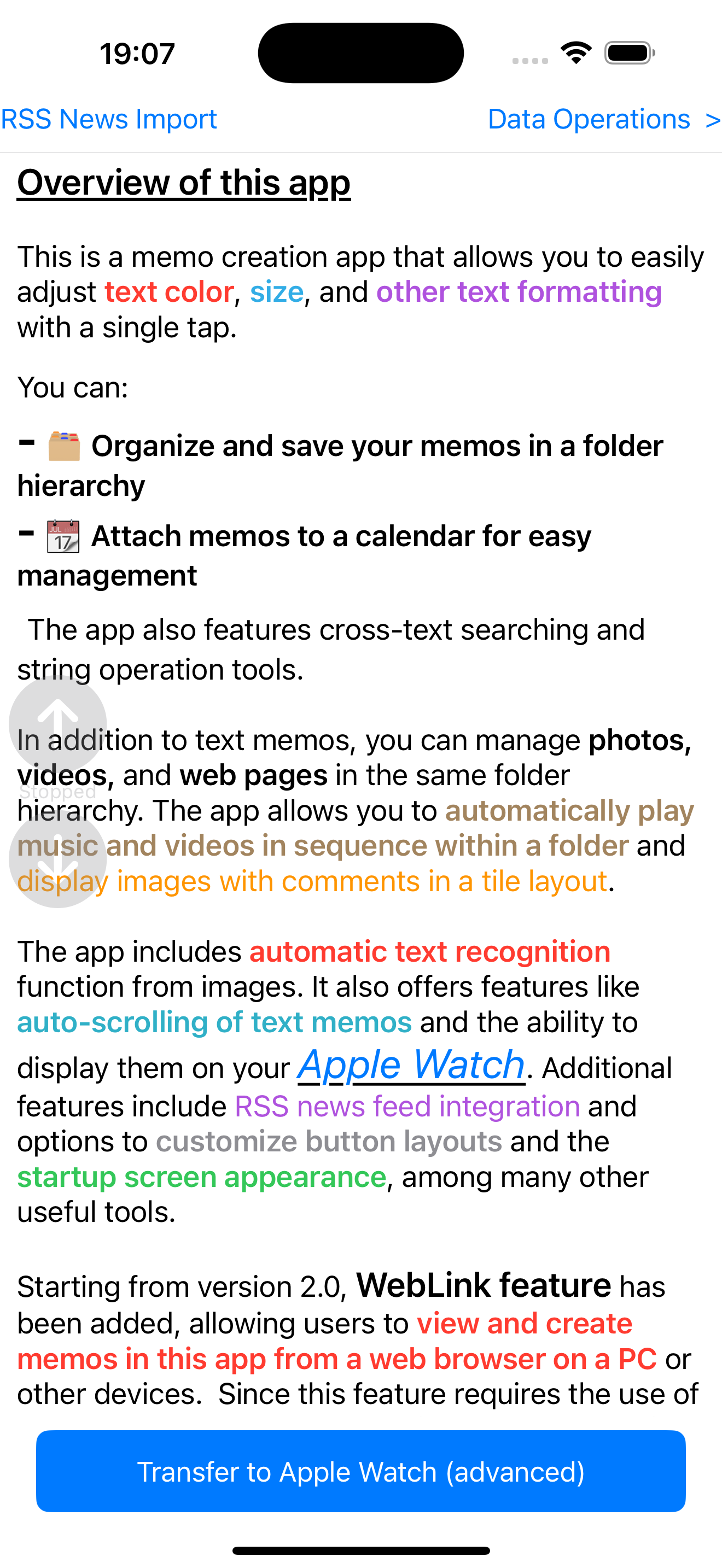
Data Pocket is a versatile note-taking app that lets you easily customize text with adjustable font sizes, colors, and other formatting options using simple one-tap controls. It also supports creating photo journals by inserting images into your notes.
Your notes can be:
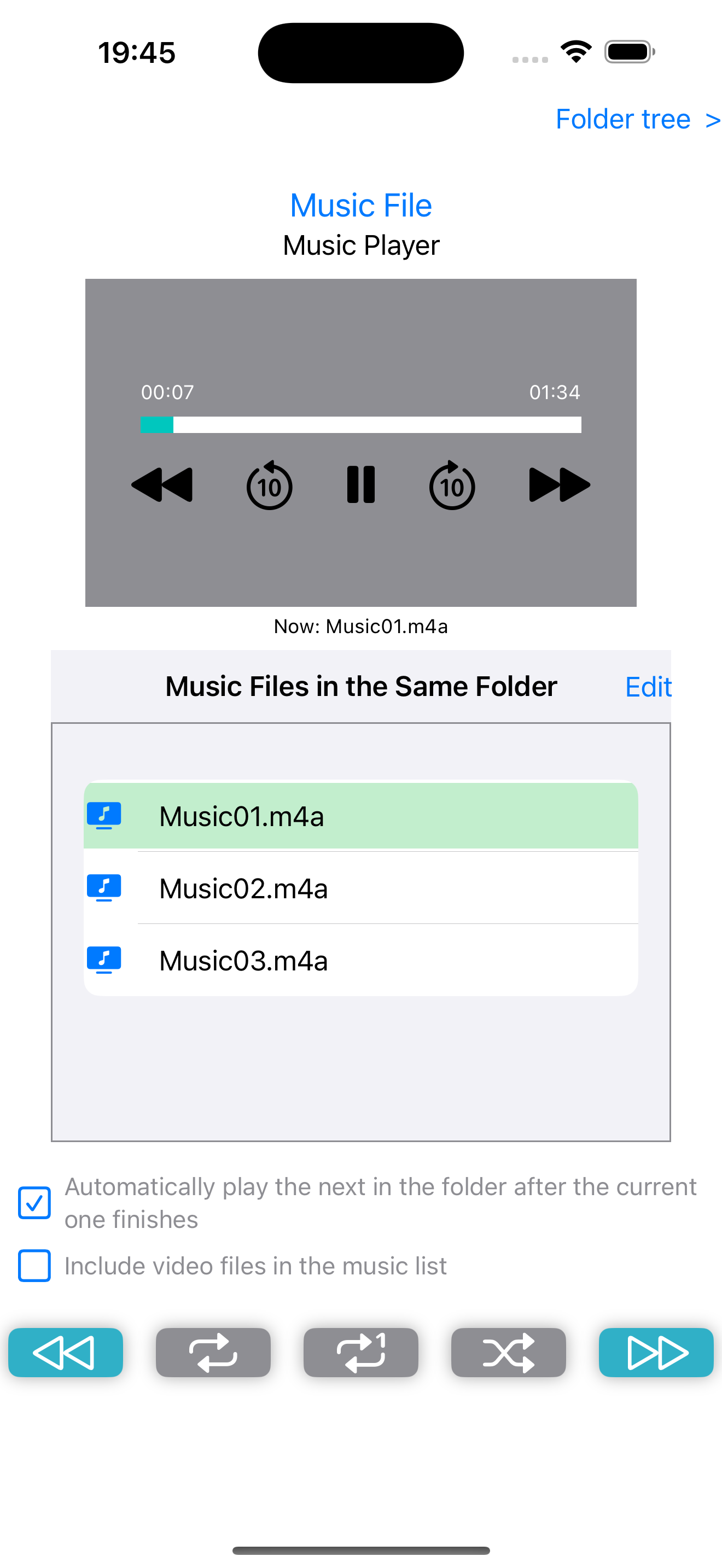
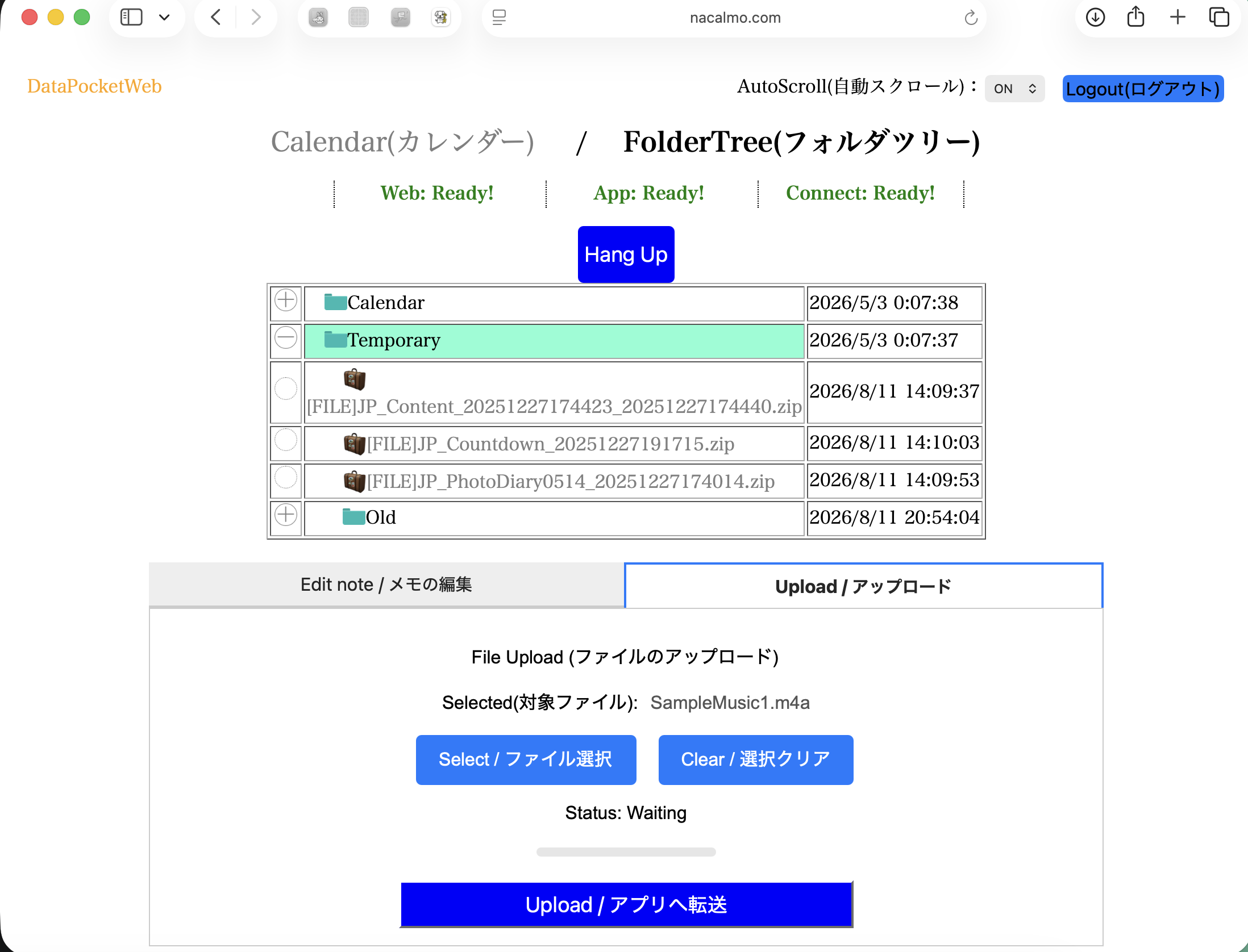
In addition to text notes, you can manage photos, videos, music data, and web pages in the same folder hierarchy, each with its own comments. You can automatically play videos or music stored in a folder, with customizable playback order and repeat settings, and even transfer music files to your Apple Watch for standalone playback without your iPhone. The app also allows you to extract audio from videos, such as screen recordings, and compress and save it as music data.
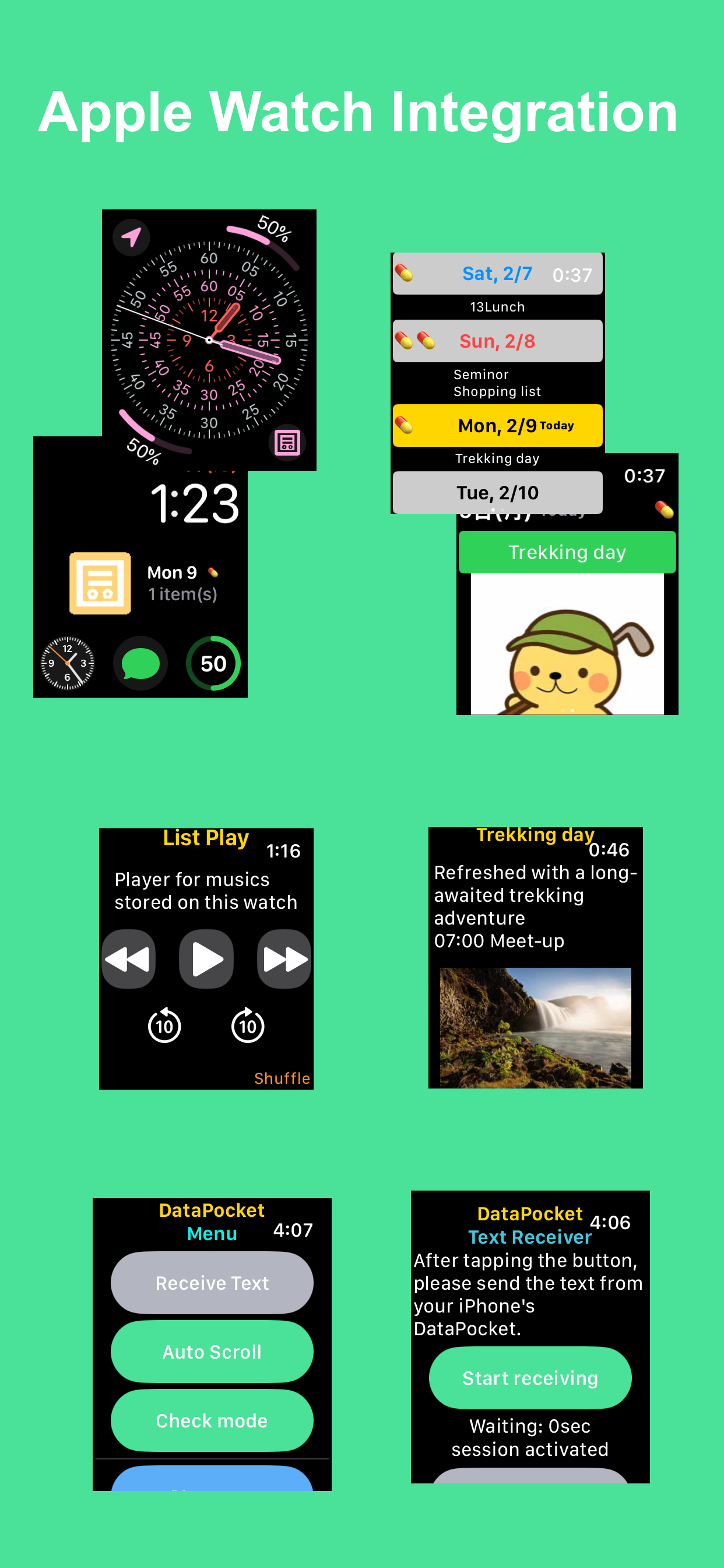
Data Pocket also provides powerful features such as full-text search across all notes, text editing utilities, and automatic text recognition (OCR) from images. Furthermore, text notes can be displayed with automatic scrolling or viewed directly on your Apple Watch. Additional features include RSS news feed integration and options to customize button layouts and the startup screen appearance, among many other useful tools.
Terms of Use and Disclaimer (Important)
Our app 'DataPocket (DataPocket Viewer)' and any associated services including WebLink service are developed and provided as an experimental tool aimed at exploring and sharing the most effective utilization approach of digital data. Please understand that there may still be some bugs or issues present. Use of this service is permitted only for those who agree to the condition that our company shall not be held liable for any damages arising from its use.
While we will do our best to respond to inquiries, please understand that we may be unable to reply or response times may be delayed if the volume of inquiries becomes overwhelming.
Thank you for your understanding and cooperation.

Your notes can be:
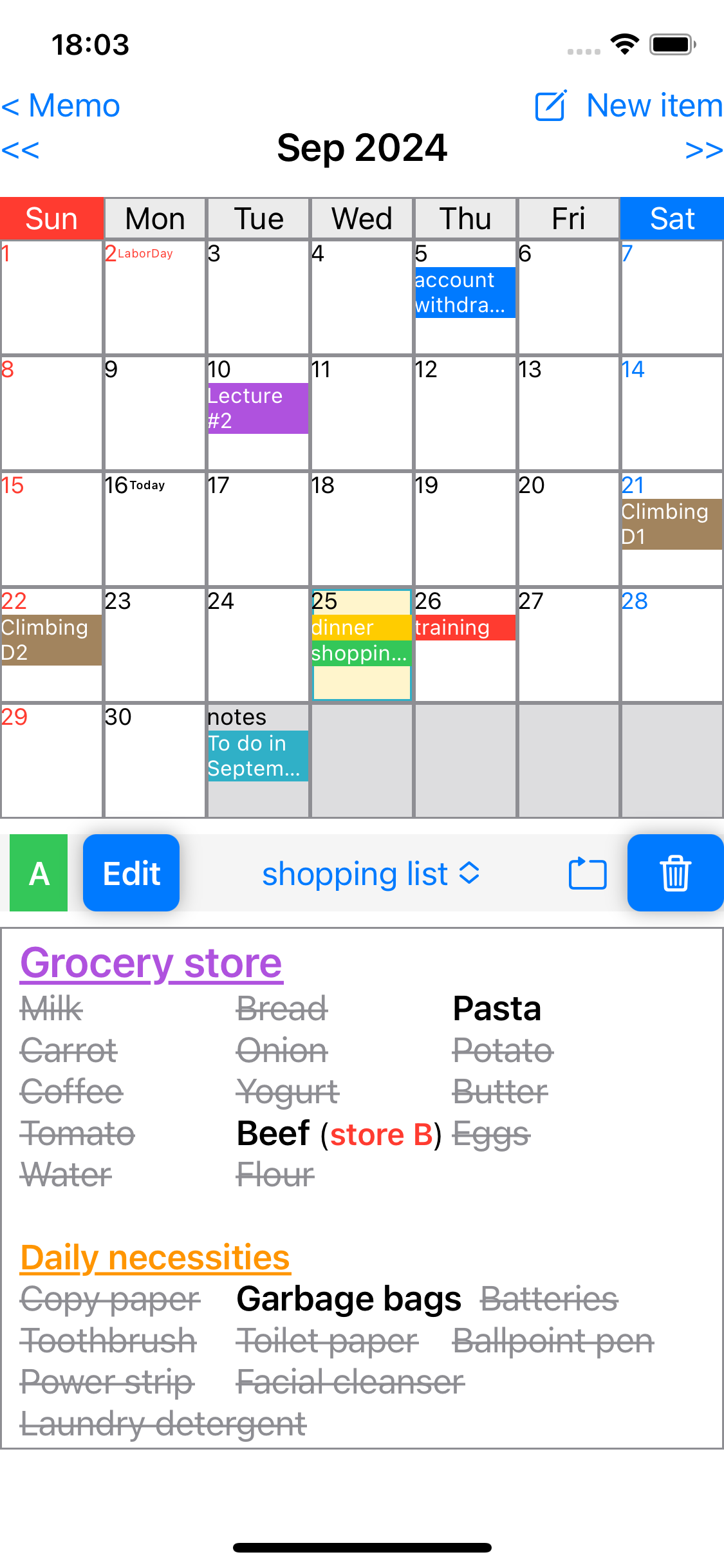
- Organized by attaching them to a calendar.
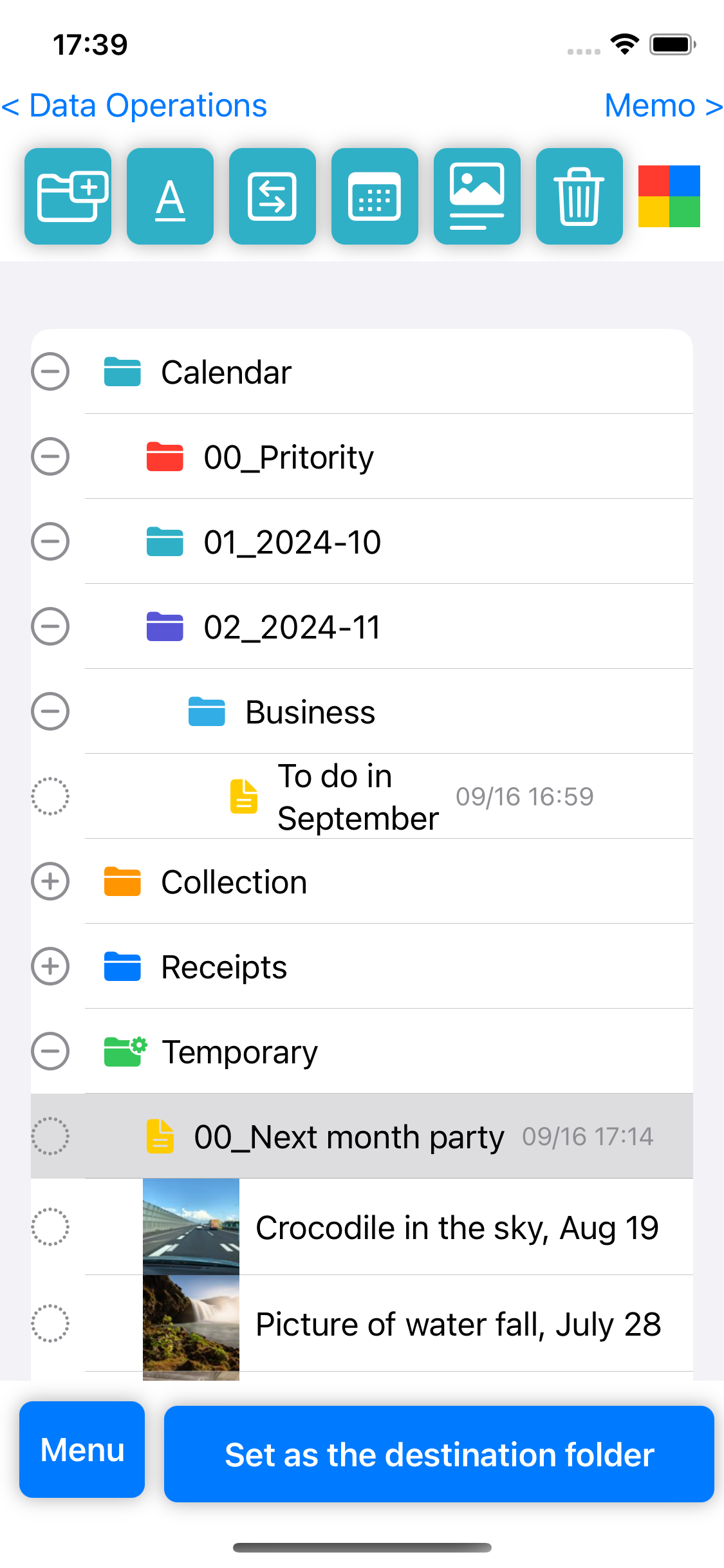
- Sorted and stored in a hierarchical folder structure.
In addition to text notes, you can manage photos, videos, music data, and web pages in the same folder hierarchy, each with its own comments. You can automatically play videos or music stored in a folder, with customizable playback order and repeat settings, and even transfer music files to your Apple Watch for standalone playback without your iPhone. The app also allows you to extract audio from videos, such as screen recordings, and compress and save it as music data.
Data Pocket also provides powerful features such as full-text search across all notes, text editing utilities, and automatic text recognition (OCR) from images. Furthermore, text notes can be displayed with automatic scrolling or viewed directly on your Apple Watch. Additional features include RSS news feed integration and options to customize button layouts and the startup screen appearance, among many other useful tools.
Terms of Use and Disclaimer (Important)
Our app 'DataPocket (DataPocket Viewer)' and any associated services including WebLink service are developed and provided as an experimental tool aimed at exploring and sharing the most effective utilization approach of digital data. Please understand that there may still be some bugs or issues present. Use of this service is permitted only for those who agree to the condition that our company shall not be held liable for any damages arising from its use.
While we will do our best to respond to inquiries, please understand that we may be unable to reply or response times may be delayed if the volume of inquiries becomes overwhelming.
Thank you for your understanding and cooperation.